
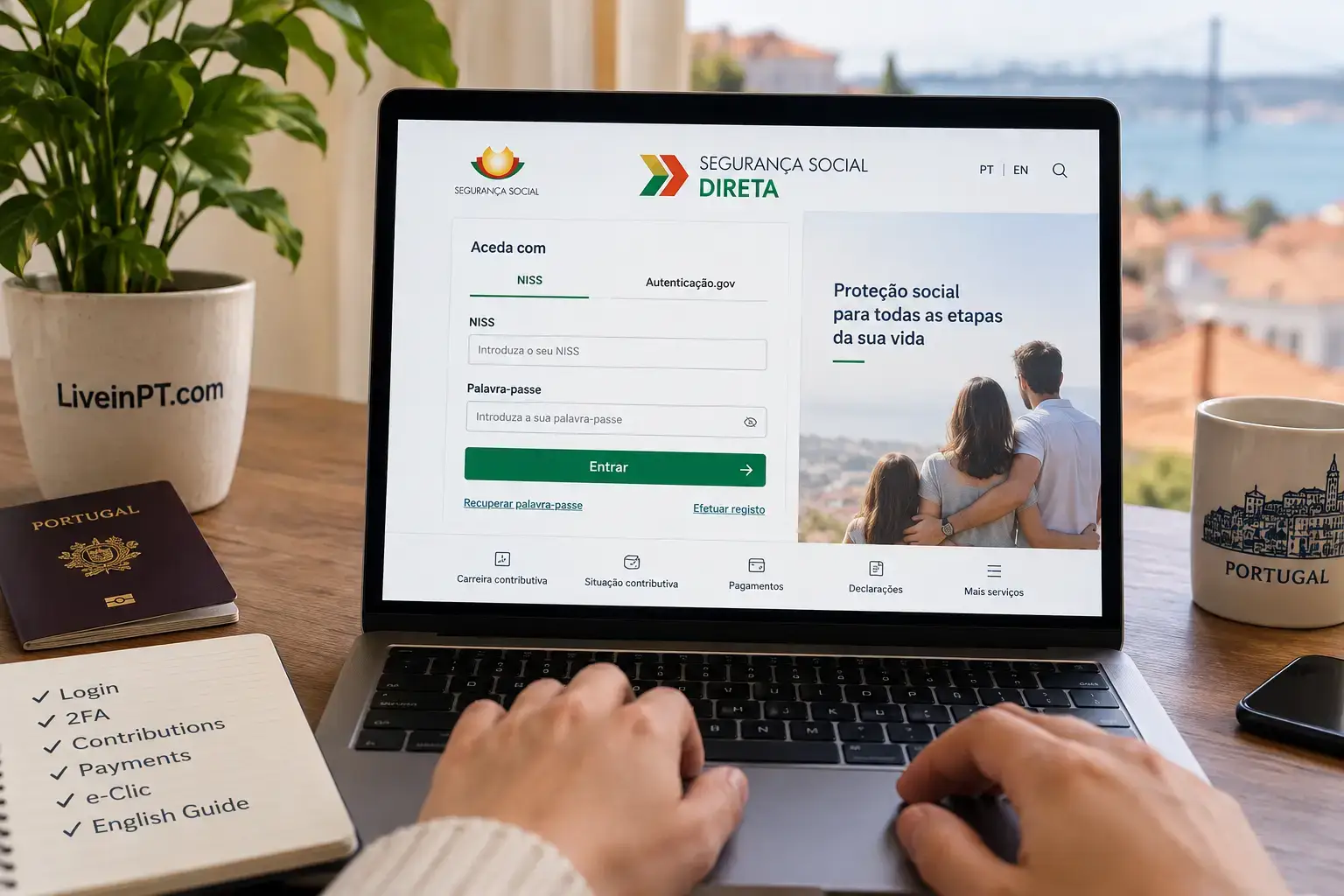
If you already have a NISS and just need to get into your Portuguese Social Security account, start with the official login:
Open the official Segurança Social Direta login
Verified 6 September 2026: you can access Segurança Social Direta with Chave Móvel Digital (CMD), Citizen Card, or NISS and password. NISS-and-password access now uses a second verification code. That code is single-use and valid for only 1 minute.
For most foreigners, the difficult part is not understanding what Segurança Social Direta is. It is getting a code that works, recovering an account tied to an old phone number, finding a missing contribution month, or getting an e-Clic case unstuck.
This guide is built around those problems.
Can’t log in to Segurança Social Direta? Match the problem first
| What happens | What it usually points to | First move |
|---|---|---|
| You have a NISS but never created portal access | No SSD account/password yet | Use Registar |
| Registration asks for a code but you have no email/mobile on file | No validated contact channel | Use the letter option if offered |
| Password is rejected | Password/access issue | Use Recuperar palavra-passe |
| Password works but no second code arrives | 2FA delivery problem | Try the other validated channel |
| Code arrives but fails | It may have expired | Request one fresh code and enter it immediately |
| Code goes to an old phone/email | Contact details are stale | Use CMD/Citizen Card if available, then update contacts |
| You can log in but a menu or e-Clic does not open | Portal-function problem | Save screenshots and try the official contact channels |
e-Clic says Em análise for a long time | Case-processing delay | Keep the request ID and escalate if a deadline is approaching |
If the problem is that you do not yet have a NISS, use our NISS guide for foreigners in Portugal instead.
The two codes people keep mixing up
The easy mistake here is treating every Segurança Social code as the same code. It is not.
Registration or activation code
When you are creating SSD access for the first time, Social Security sends a verification code so you can activate the account and create a password.
If Social Security has no email address or mobile number registered for you, its May 2026 registration guide says the available option can be by letter. The code is then sent to the address held by Social Security, generally within 8 working days.
The same official guide confirms that the registration code can be sent to a foreign mobile number if that number is correctly registered in the Social Security information system.
Login 2FA code
Once you already have an account and sign in with NISS and password, the portal sends a temporary second-factor code to a validated contact.
This is the code with the extremely short lifetime: 1 minute and one use only.
Knowing which code you are dealing with saves a lot of pointless password resets.
SSD 2FA code not arriving, arriving late or saying invalid
Recent 2026 complaints repeatedly describe code-delivery and validation problems. The official part we can verify is simple: the login code is valid for one minute.
No code arrives
If email is not arriving and the portal offers SMS to a validated mobile, try SMS. If SMS is the problem but the account has a current email address, try email.
Do not generate a stream of new codes. Once another code has been issued, an earlier one may no longer be the one you should be entering.
The code arrives after a delay
Look at the timestamp before you do anything else. If the message is already around a minute old, request one fresh code and enter the newest code immediately.
What keeps tripping people up here is that the code can look perfectly correct while already being useless.
A fresh code still says invalid
Type the newest code manually once. If another freshly generated code fails immediately, switch verification channel or use CMD/Citizen Card if you have it.
At that point, treat the problem as account access rather than repeatedly requesting codes.
Old phone number or email on the account
This became more important after 2FA was introduced because a stale contact is no longer just an outdated profile field. It can block the login itself.
If you still control one validated channel, use it to authenticate and update the other contact after login.
If neither registered contact is usable, try CMD or Citizen Card through Autenticação.gov if available. If you still cannot authenticate, use the official Social Security phone or in-person channels to correct the contact record rather than continuing password recovery against an email or number you do not control.
Once you get back in, update and validate the contacts before dealing with the original task.
First-time SSD registration when you already have a NISS
A NISS is the identifier. It does not automatically create an activated Segurança Social Direta account.
The current registration flow is:
- open the official Social Security portal
- choose
Iniciar sessão - choose authentication with your Social Security user
- select
Registar - accept the terms and choose the citizen account type
- enter the requested identity details, including NISS and date of birth
- choose the available verification channel
- request the verification code
- after receiving it, choose
Ativar conta - enter the NISS and activation code
- create and confirm the password
- sign in and check the contact details stored on the account
If no electronic contact is registered, do not assume the registration has failed just because email/SMS is unavailable. The official 2026 guide explicitly includes the postal-code fallback described above.
My NISS is valid but registration still will not move forward
The registration and password-recovery screens verify what you enter against the Social Security record. If the same identity step keeps failing, check the basics before repeating it ten times:
- NISS
- date of birth
- name and identity details
- the contact information already held by Social Security Repeated retries do not repair mismatched source data.
Forgot your Segurança Social Direta password
Use Recuperar palavra-passe from the login screen.
For a citizen account, the current recovery screen asks for your NISS and date of birth, then moves to the available verification channel.
If the recovery flow displays a phone number or email address you no longer control, stop treating this as a password problem. The contact record is the real blocker.
Logged in? Check your contribution history now
Once access works, the highest-value check for an employee is the carreira contributiva, the contribution history Social Security has recorded.
Current path:
Trabalho > Remunerações e contribuições > Carreira contributiva > Consultar carreira contributiva
Open the years and compare the record with:
- your actual employment dates
- employers
- months with remuneration
- payslips around any gap
- periods where you changed employer or contract
This is not theoretical. In August 2026, two separate Portuguese Reddit discussions described workers finding contribution periods missing from SSD even though their payslips showed Social Security deductions. One of those threads attracted more than 350 votes and prompted other people to check their own records.
That does not tell us how common errors are nationally. It tells us the mistake can remain invisible until somebody looks.
If I were checking this today, I would save the payslip as soon as I spotted the gap. Old payroll records are much harder to reconstruct years later.
A contribution month or employer is missing
First identify the exact period. Then gather evidence before contacting anyone.
Useful documents include:
- payslip for the missing month
- employment contract
- payroll or employer confirmation
- start or termination documentation around a job change
- any older Social Security record showing the period
If the discrepancy is recent, ask payroll what was actually declared. That can distinguish an employer-reporting problem from a record that needs correction at Social Security.
The contribution-history area supports review of the contributory career. For a written Social Security case, e-Clic is also useful because it gives you a request ID and document trail.
A recent August 2026 community case is worth noting: the user later updated the thread to say an e-Clic request led to the missing-period issue being corrected. That is an individual outcome, not a response-time promise.
e-Clic: useful record, unpredictable wait
The official e-Clic route is:
Perfil > e-Clic - contactos
You can create a request, submit supporting information and follow requests already sent. After submission, keep the request ID shown by the system.
My practical rule with e-Clic is to keep five things together:
- request ID
- submission date
- screenshots of the problem
- every document attached
- every reply or status change
How long does e-Clic take in 2026?
There is no reliable community turnaround to build a deadline around.
Recent 2026 experiences are genuinely mixed. Some users report a correction or answer in days or within roughly two weeks. Others describe requests still sitting Em análise after many weeks, or having to chase a case through another channel.
Portal da Queixa complaints from June through August 2026 show the same pattern around benefit, document and reanalysis cases: the request exists, but the person is still waiting for the underlying case to move.
For a deadline-driven problem, submit e-Clic so there is a written trail, then use another official channel if the deadline is getting close. An Em análise status is not a deadline strategy.
I can log in, but e-Clic or another SSD function does not work
This is a different problem from a bad password.
Recent complaints include users who could authenticate but were unable to reach e-Clic or the function they had been told to use. If the failure is reproducible:
- capture the error and time
- try the portal without browser translation active
- try another normal browser session
- keep the screenshot
- use the Social Security line or an appointment channel if the task is urgent
Do not repeatedly reset a password that is already getting you into the account.
Segurança Social Direta in English: what actually helps
Do not expect a complete English switch across the private SSD account. Official English guidance exists, including the 2026 registration instructions, but many logged-in labels remain Portuguese.
These are the ones worth recognising:
| Portuguese | English meaning |
|---|---|
Iniciar sessão | Sign in |
Registar | Register |
Recuperar palavra-passe | Recover password |
Ativar conta | Activate account |
Trabalho | Work |
Remunerações e contribuições | Earnings and contributions |
Carreira contributiva | Contribution history |
Pagamentos e dívidas | Payments and debts |
Perfil | Profile |
Conta bancária | Bank account |
e-Clic - contactos | Online Social Security requests |
Browser translation is fine for understanding a page. Before submitting a form, switch back to Portuguese and recheck dates, names and document numbers. A 2026 Nomad Gate discussion reported form oddities while Chrome translation was active. That is anecdotal, not proof of a portal-wide translation bug, but the precaution costs nothing.
Where did the Social Security payment document go?
This is a real 2026 interface change, not you missing a hidden menu.
On 8 June 2026, gov.pt announced a simplified Social Security payment flow. You no longer need to generate a payment document before paying. In the portal or app, select the amount due and the available payment details appear directly.
Current payment methods can include:
- MB WAY
- Multibanco
- bank transfer
A PDF with payment references is still available if you want one.
That change explains a June 2026 community question from someone who logged in to download the usual monthly contribution document and suddenly found payment options instead.
Self-employed workers: declaration and payment are separate jobs
For trabalhadores independentes, SSD is where you deal with contribution calculations, declarations and amounts due.
A recurring community confusion is treating the quarterly declaration as if it were the contribution payment itself. It is not.
The declaration is a reporting obligation for the relevant quarter. The contribution is then paid according to the applicable monthly payment cycle.
For the full calculation rules, exemptions and quarterly-declaration workflow, use our Segurança Social contributions for recibos verdes guide.
Official declarations worth downloading
When AIMA, an employer or another authority asks for proof, use an official declaration rather than a screenshot of the dashboard.
| What you need | Portuguese wording | What it shows |
|---|---|---|
| Contribution history | Declaração de carreira contributiva | Social Security career recorded for you |
| Contributory status | Declaração da situação contributiva | Whether your contributory position is regularised or has debt |
| Registered contacts | Comprovativo de contactos | Contact details held by Social Security |
The portal also has a declarations area for documents available to your account.
Need the contributory-status declaration in English?
Since 16 April 2026, SSD has offered an official international version of the Declaração de Situação Contributiva in English.
Use:
Pagamentos e dívidas > Situação contributiva > Declaração de situação contributiva > Versão internacional
gov.pt says the international version has the same legal validity as the Portuguese declaration. It is particularly useful when a bank, employer or authority outside Portugal asks for Portuguese Social Security proof.
If AIMA shows AT/SS Em Revisão but SSD shows no debt
Do not treat Em Revisão as proof that you owe Social Security money. First check the contributory status inside SSD, then verify your personal details, address and contacts. Recent 2026 expat discussions include cases where AIMA’s check stayed under review even though the user could not see a debt.
If the renewal itself is stuck, use our Article 78 renewal guide. If the address in your Portuguese records is wrong, see the AIMA address-change guide.
Check debts inside SSD before paying a message link
If an SMS or email says you owe Social Security, verify the amount inside the official portal first.
Social Security has warned about fraudulent messages and pages using its name. Type the official site yourself or use the login link at the top of this guide rather than treating a payment link in a message as proof that the debt is genuine.
Check the IBAN before you expect a benefit payment
The bank-account area is under your profile. If you are expecting a Social Security benefit, check the registered IBAN before payment becomes urgent.
For an IBAN change, Social Security can require proof showing that the beneficiary is an account holder. The updated IBAN may also need validation before it becomes the payment destination.
If your question is about eligibility rather than the bank account itself, see our Social Security benefits in Portugal guide.
Phone, appointment and e-Clic contacts
The current gov.pt guide, updated 28 August 2026, lists these Social Security numbers:
210 545 400300 502 502- from outside Portugal:
+351 210 545 400or+351 300 502 502
Personalised telephone service runs on working days from 09:00 to 18:00.
For case-specific information, generate the telephone access code in SSD:
Perfil > Contactos com a Segurança Social > Código de acesso para atendimento telefónico
For appointments, gov.pt points to SIGA and the appointment lines 210 548 888 / 300 088 888, also on working days from 09:00 to 18:00.
NISS versus Segurança Social Direta
| NISS | Segurança Social Direta |
|---|---|
| Social Security identification number | Online Social Security account |
| Identifies your record | Lets you access and manage parts of it |
| Can exist before portal access works | Needs a working authentication method |
| Does not itself give you a password | Shows records, payments, requests and documents |
That is why “I already have a NISS” and “I can log in to SSD” are two different statements.
Frequently asked questions
Is Segurança Social Direta available in English?
Not as a complete English private-account interface. Social Security publishes some guidance in English, including current registration instructions, but many SSD menus remain Portuguese. Keep the Portuguese menu labels visible while using browser translation so you can still match the route shown in official instructions.
Why does my Segurança Social verification code expire so fast?
The 2FA login code is single-use and valid for 1 minute. If delivery consumes most of that window, request one new code and enter the newest code immediately. Do not keep cycling through older messages because they may contain codes that are already unusable.
Can a foreign mobile number receive an SSD registration code?
Yes. Social Security’s May 2026 registration guide explicitly says the verification code can be sent to a foreign mobile number when that number is correctly registered in its information system.
What happens if Social Security has no email or mobile number for me?
For first-time registration, the official 2026 guide says the verification-code option can be by letter when no contacts are registered. The code is sent to the address held by Social Security, generally within eight working days, after which you use Ativar conta to create the password.
Where do I check whether my employer’s contributions appear?
Go to Trabalho > Remunerações e contribuições > Carreira contributiva > Consultar carreira contributiva. Compare the recorded employers and months with your employment dates and payslips. If a recent period is absent, ask payroll what was declared and keep the relevant payslip before requesting a correction.
Does e-Clic have a guaranteed response time?
Do not plan around one. Recent 2026 community experiences range from relatively quick replies to requests remaining under analysis for weeks or longer. Use e-Clic for the written record and request ID, but use another official channel too when a payment, benefit or legal deadline is close.
Do I still need to generate a document before paying Social Security?
Not in the new June 2026 flow. The portal and app can show the amount and payment references directly after you select what you want to pay. A PDF is still available if you need a document with the references.
The five checks worth doing before you close SSD
If your login works today, spend a few minutes on these:
- confirm the email and mobile number on the account
- open
Carreira contributivaand scan for missing periods - know where
e-Clic - contactosis and save every future request ID - check where declarations are generated before another authority asks for one
- if you pay Social Security yourself, recognise the new direct payment flow instead of looking for an old mandatory payment-document step
Segurança Social Direta is still much easier to use if you know the Portuguese labels. More importantly, you now know which problem you are solving: login, account data, contribution history, payment, or a case that Social Security has not finished processing yet.